Miracle box is just a miracle in with your phone. I am not kidding! This software is capable of doing almost any software repair on your phone. Many keypad phones, touchscreen phones can be repaired by a miracle box. In this post, we have explained, Miracle Box v2.82 full version download and how to install guide in step by step manner.
- Flash Samsung Sm-b109e Tanpa Box
- Cara Flash Samsung Sm-b109e Tanpa Box
- Flash Samsung B109e Tanpa Box
- Cara Flash Samsung B109e Tanpa Box
What is Miracle Box
Miracle box is a premium software which can repair software related issue for many china phones with MTK processors. Latest version Miracle Box v2.82 even support other processors like Spreadtrum/Qualcomm etc. The keypad mobiles can also be repaired using this miraculous tool.
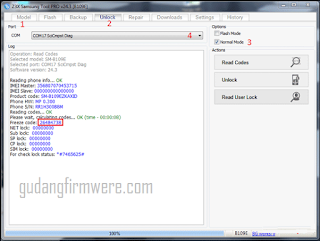
. Miracle Box Loader v2.14 Full Crack bisa download Disini Atau Pake update Miracle Tanpa Box V2.27a Bisa Buka Disini.Driver Flash Nokia MTK bisa download Disini.Firmware Nokia 108 RM 944 bisa download Disini. Langkah-langkaf flash nokia 130 RM 1035.Extrak semua file yang telah di download tadi.Instal Driver Flash Nokia MTK 108 RM 944.
The working behind the Miracle Box tool is that it uses the Fuzzy Logic to try and test the methods out of which one method should work. Since Fuzzy logic is stable and secure with a high rate of success, this tool is one the favourite in Mobile Repairing Center.
Untuk melakukan Flashing atau instal ulang pada Samsung Keystone 3 SM-B109E Tanpa Box Flasher,di butuhkan perangkat komputer atau laptop,kabel data usb,dan beberapa file pendukung. Dan untuk melengkapi peralatan yang dibutukan,silahkan sobat download beberapa file di bawah ini,namun sebelum melakukan download file,ada baiknya sobat baca dulu. Harga Termurah: Rp 210.000, Rating: 2.62 (2 reviews) Harga Samsung Keystone 3 B109E terbaru dan termurah 2021 lengkap dengan spesifikasi, review, rating dan forum. Temukan hanya di Pricebook!
Flash Samsung Sm-b109e Tanpa Box
But wait why to visit Repairing centre, if you can do this on your own using your PC and following some instruction. Before seeing how to download Miracle Box v2.82 full version, we will see its features and what you can do with it.
- Cara Gampang Bypass Google Account Verification On Samsung J3. Restart your FRP locked device and connect it with WIFI network. Now go for the next step and come on the screen where it’s asking for “Google account verification”. Now open keyboard and click on “GEAR” icon Now click on “Text Shortcuts” tab and open it. In.
- Tutorial Flash android untuk mengatasi error, bootloop, lag dan lemot system android dengan cara flashing menggunakan software, samsung odin, xiaomi flash tools dll.
Features of Miracle Box v2.82
- Repair IMEI without Flash.
- First & Biggest Flash File Library in the world.
- Support the latest MTK CPU.
- Support the latest SPD CPU.
- Support the latest RDA/COOLSAND CPU.
- Support latest MSTAR CPU.
- Auto IMEI Repairing with Fuzzy Logic technology.
- Best Auto Pin Finder.
- Read/Backup SPD/MTK Mobile contacts.
- Network Unlock MTK 65xx CPU based phones.
- Auto Update.
- Format with advanced options.
- Big Support Team.
- First Multilingual Software Interface in the world.
- USB & Pin Finder Connectivity.
- Support CDMA phones.
- Support for Blackberry phones.
- Support Samsung phones.
- Best Android phone repair features.
- Auto connects Android phone info bar.
- FRP reset tool
- All features of Android multi-tools.
- No more box required if you download from this article.
- Capable of handling a critical situation like a hard brick.
Also Read – How to Remove ads on Xiaomi devices (Also from settings)

Miracle Box v2.82 Full Version Download
Filename – Miracle Box v2.82 Full Version
File Size – 700 MB
Supported on – Windows 10, Windows 8.1, Windows 7
File Format – Zip ( use Winrar/WinZip or Peazip to extract the required files)

Download link –
Miracle Box v2.82 Full Version download and how to install step by step procedure
Step1: First of all, download the Miracle Box v2.82 RAR file from the above download button.
Step2: Once the download is completed, Extract the RAR file using WinZip/WinRar/PeaZip software.
Step3: Now right click on Miracle Box v2.82 exe file and click on Run as administrator.
Step4: Click on Next to start the installation process.
Step5: Wait for the program to install completely on your computer.
Step6: Once the program installed, click on Finish button to close the setup.
Step7: Now, from the desktop, double click on the Miracle box icon to run the tool.
Also Read – MIRACLE BOX Full version 2.27A DOWNLOAD + miracle box latest setup
How to repair the Mobile Phone using Miracle Box v2.82 Without Box
Step1: Once you run the program, connect your mobile phone using the USB cable.
Step2: Now press the boot of your phone. Most common boot key is volume down button. try finding correct boot key for your mobile by pressing different keys available on your phone.
Step3: Click on Connect button at the top left corner of the tool. Miracle Box main screen will now start detecting the mobile and will load all required files.
Step4: Now click on Read Info radio button and your phone’s IMEI number, model number and other information will be shown on screen.
Step5: You can now select the Processor of your phone and the repairing type like bootloader to unlock, FRP unlock, etc.
Step6: Once you select the repair type, click on the Start button to start the process and wait for it to complete.
Done, restart your phone and your phone is repaired now.
Also Read – Samsung FRP Reset Tool Free download
Summary –
In this guide of “Miracle Box v2.82 full Version download” explains how to download and install it. The guide also explains how to repair your phone using latest version Miracle Box v2.82 without Box. If you have any doubt, a query regarding the process, feel free to type below in comment section.

Warning - Firmwaretool.com is not responsible for any damage that occurs to your phone during flashing process.
Kasus yang sering terjadi pada nokia 108 RM 944 hidup cuma lampu, dan mati kembali. Kasusu yang sering terjadi pada nokia 108 RM 944 hampir mirip dengan nokia 103 RM 1035. Cara mengatasinya pun hampir sama yaitu dengan di Flash ulang. Bahan yang di harus di siapkan untuk Flash Nokia 108 RM 944 :
*Driver Flash Nokia MTK bisa download Disini.
*Firmware Nokia 108 RM 944 bisa downloadDisini.
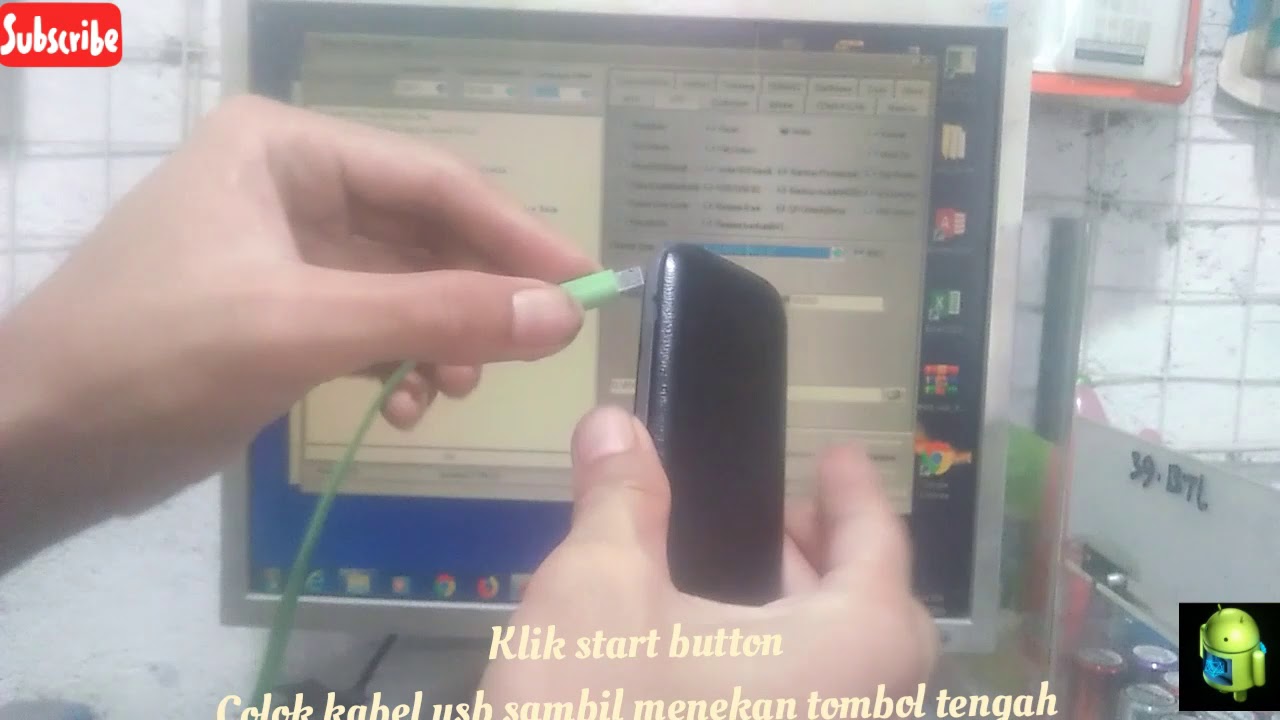 Langkah-langkaf flash nokia 130 RM 1035
*Extrak semua file yang telah di download tadi
*Instal Driver Flash Nokia MTK 108 RM 944
*Instal dan jalankan Miracle Box Loader v2.14 Full Crack (Jika ada kesulitan dalam menginstal Miracle Box Loader v2.14 Full Crack monggo silahkan buka Cara menginstal Miracle Box Loader v2.14 Full Crack)
| Gambar1 |
Pilih pada bagian BOOT SELECT 9th boot Rm944 bla_bla_bla (Hal ini untuk menyesuaikan tipe hp)
| Gambar2 |
Cara Flash Samsung Sm-b109e Tanpa Box
Pilih Write, masukan fFirmware yang telah di download dan sudah di extraxt tadi